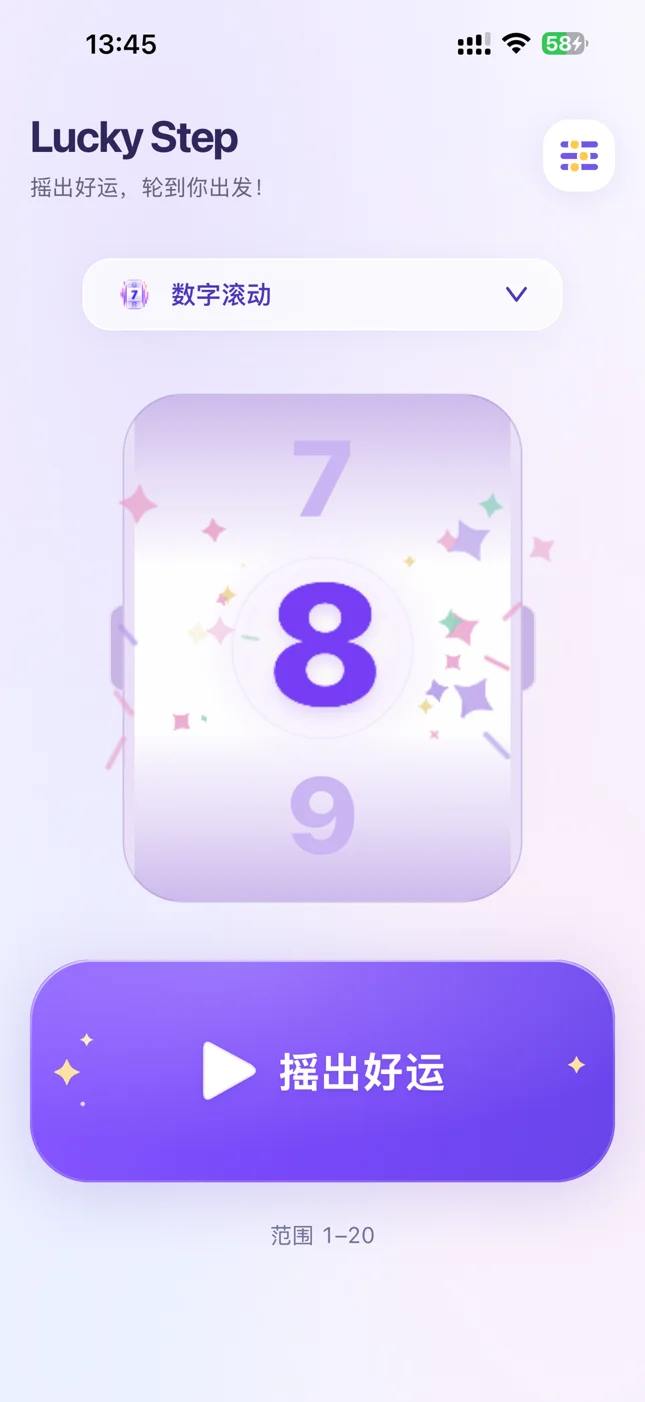
数字滚动Rolling numbers
让数字滚动起来,揭晓这一回合的步数。Watch the numbers roll and reveal your next move.
 Lucky Step
1.1 已上线 · 现已支持 iPadVERSION 1.1 · NOW ON iPAD
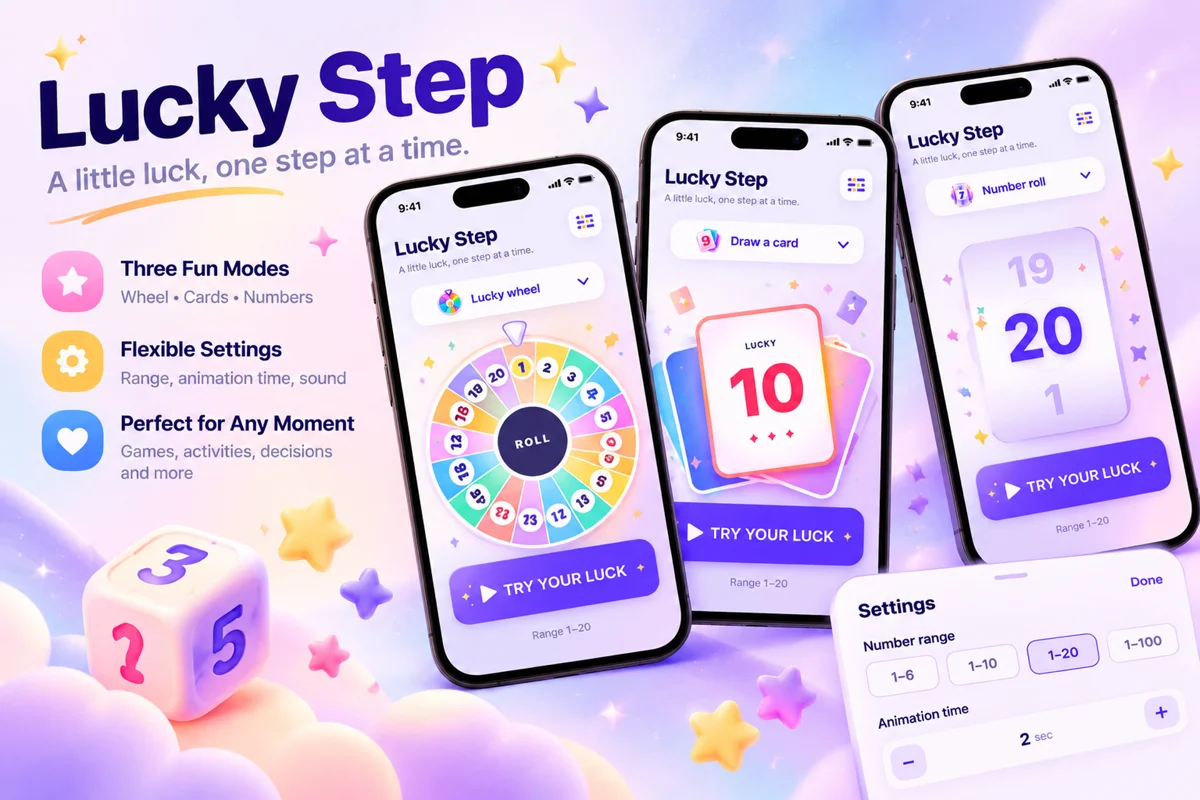
让 Lucky Step 来抽取。自定义数字范围,用滚动、转盘或翻牌揭晓结果,为每一回合加点惊喜。Let Lucky Step pick. Set your number range and reveal the result with rolling numbers, a wheel, or cards. Add a little surprise to every turn.
适用于 iPhone 与 iPad · 无需账号 · 离线可用For iPhone & iPad · No account needed · Works offline
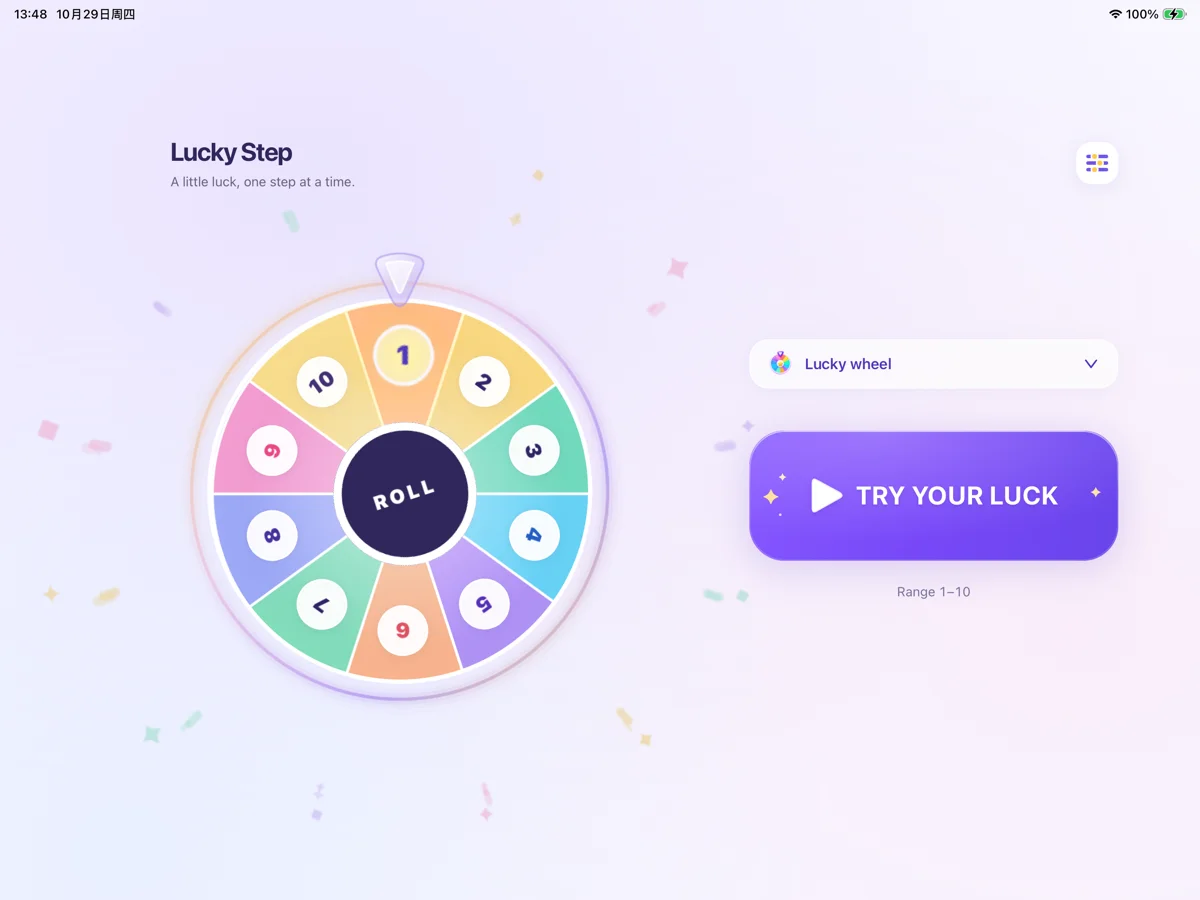
现已支持 iPad,适配横竖屏、分屏及系统支持的窗口尺寸调整。把屏幕放在桌边,一起揭晓下一回合。Now on iPad, with portrait and landscape layouts, Split View, and supported window resizing. Put the screen beside the board and reveal the next turn together.
1.1 同时更新了首页布局与模式选择器,优化左右滑动切换,以及数字滚动、转盘和翻牌的揭晓效果。Version 1.1 also refreshes the home layout and reveal-style selector, improves swipe navigation, and adds updated reveal effects across all three modes.
家庭桌游、朋友聚会或自创走格子游戏,选择你喜欢的动画,让抽取结果也成为游戏的一部分。For family board games, parties, or a game of your own, choose an animation and make the reveal part of the fun.
让数字滚动起来,揭晓这一回合的步数。Watch the numbers roll and reveal your next move.
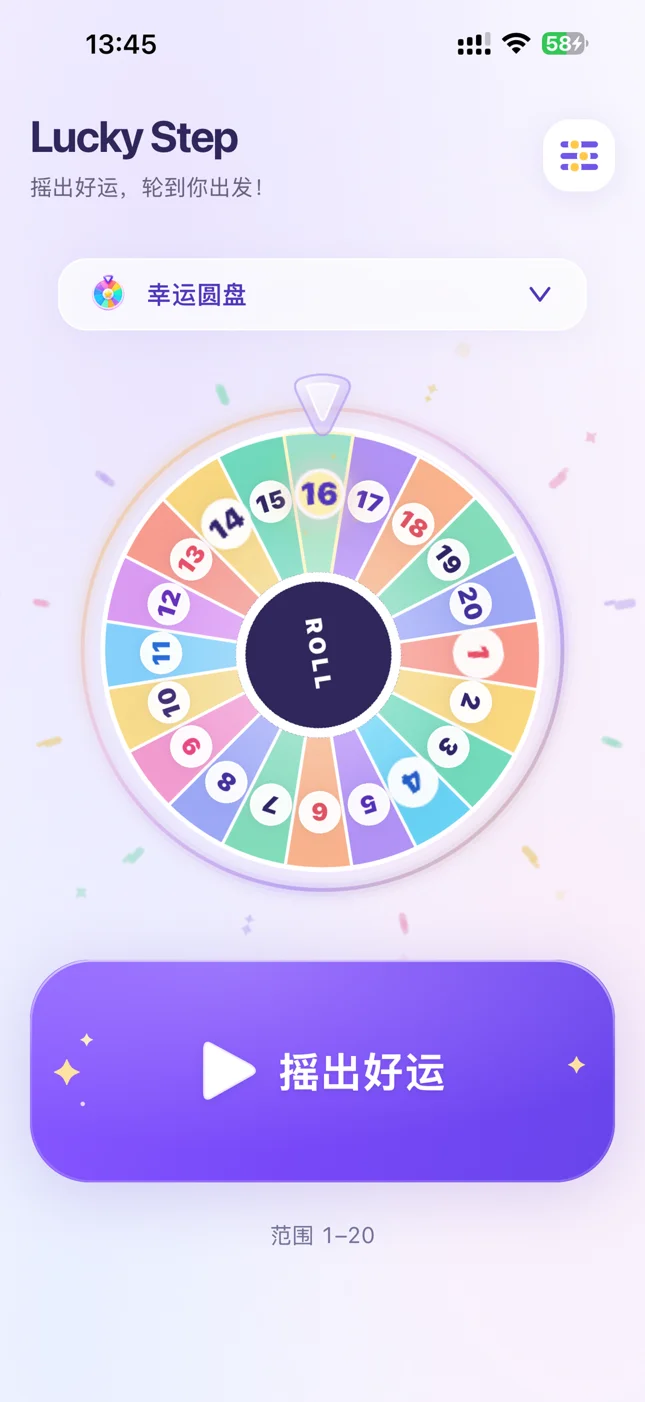
缤纷转盘,让每一回合多一点期待。适用于包含不超过 20 个数字的范围。Add anticipation with a colorful wheel. Available for ranges containing up to 20 numbers.

翻开卡片,给游戏带来一点小惊喜。Turn a card and bring a little surprise to the table.
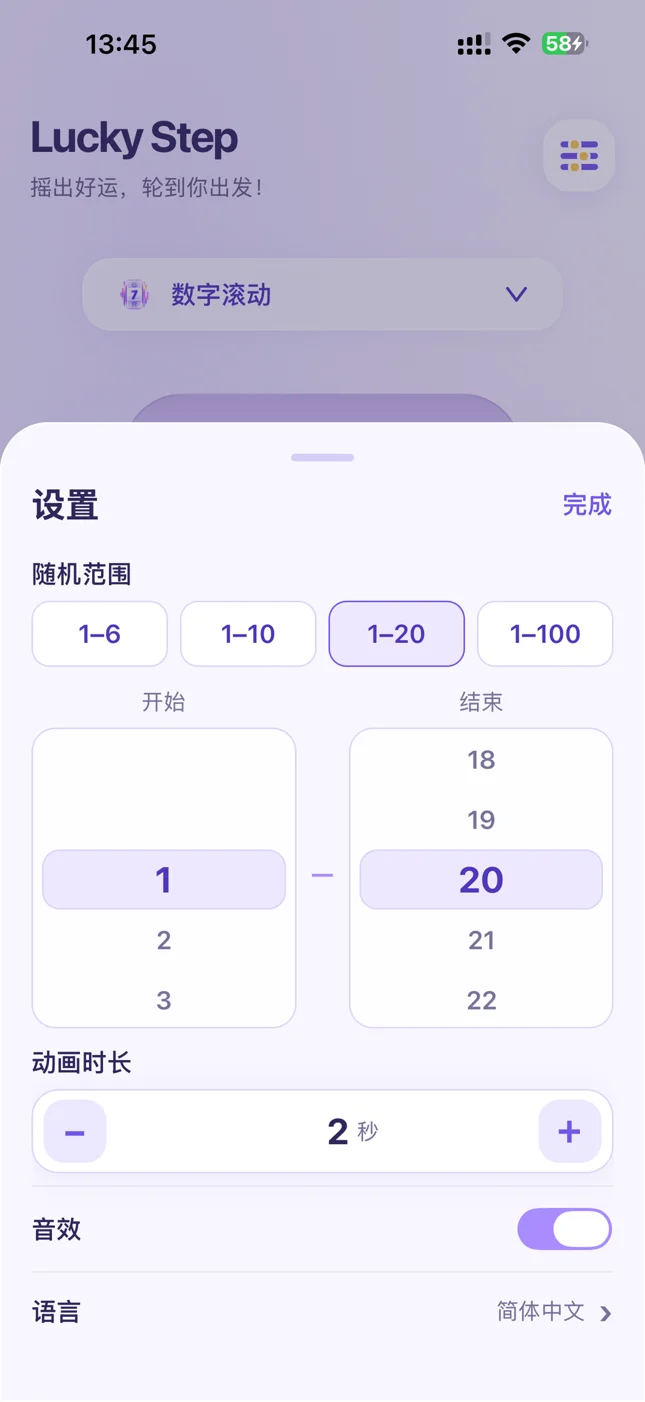
在 1–100 内选择起止数字。每回合前进 2–8 格?直接设为 2–8。Choose start and end values within 1–100. Move 2–8 spaces each turn? Set the range to 2–8.
动画时长可设为 1–15 秒,音效随时开关。Set the animation duration to 1–15 seconds and toggle sound whenever you like.
按照游戏规则使用抽取结果。也可以给选项编号,用随机数字决定选哪一个。Use the result according to your game rules, or number your options and let a random number choose.
无需注册账号。随机数字抽取可离线使用,偏好设置保存在当前设备。No account is required. Number generation works offline and preferences stay on your device.
起止数字均可在 1–100 内设置,默认 1–10。也可选择 1–6、1–10、1–20、1–100 快捷范围。每次生成一个范围内的整数。Choose start and end values within 1–100. The default is 1–10, with quick ranges of 1–6, 1–10, 1–20 and 1–100. Each draw returns one integer within the selected range.
幸运转盘最多展示 20 个数字。范围包含更多数字时,请选择数字滚动或翻牌。The wheel displays up to 20 numbers. For a range containing more numbers, choose rolling numbers or cards.
App 支持简体中文、繁体中文、英语、法语、俄语、西班牙语、德语、日语、韩语和意大利语,可手动选择或跟随设备语言。The app supports Simplified Chinese, Traditional Chinese, English, French, Russian, Spanish, German, Japanese, Korean and Italian. Select a language or follow your device language.
请发送邮件至Email maowenbei@gmail.com。反馈问题时,请附上 App 版本、iPhone 或 iPad 型号、系统版本和复现步骤。For a bug report, include your app version, iPhone or iPad model, OS version and steps to reproduce the issue.
免费下载 Lucky Step 1.1。扫描二维码,或在 iPhone / iPad 上直接打开 App Store。Get Lucky Step 1.1 free. Scan the QR code, or open the App Store directly on your iPhone or iPad.
前往中国区 App StoreOpen the US App Store二维码直达中国区 App StoreQR code opens the US App Store

桌游随机抽取方法、骰子替代玩法,以及 Lucky Step 背后的开发故事。提供中文与英文版本。Practical random number ideas, dice alternatives, and the story behind Lucky Step.
实用指南
从骰子的 1–6 限制,到实物转盘的等待与分界线争议,看看如何用 Lucky Step 自定义范围、快速揭晓清晰的桌游步数。
阅读文章 →桌游玩法
纸条、数字卡、手工转盘、布袋抽签、硬币、离线 App 和步数牌堆:从实际场景出发,为家庭桌游选一种合适的随机方式。
阅读文章 →开发故事
Lucky Step 的开发起点:从桌游里决定前进步数的小动作出发,让随机数字的揭晓更有趣,并在 1.1 版本加入 iPad 支持。
阅读文章 →