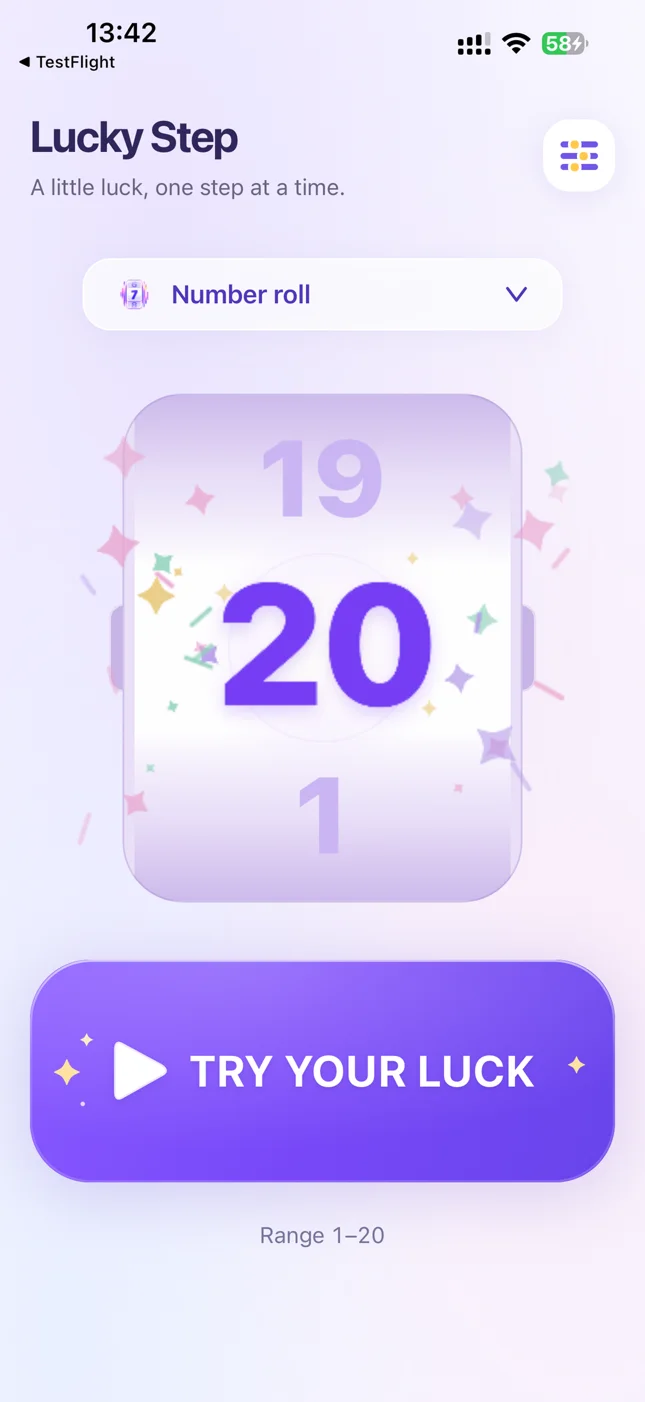
Rolling numbers
Watch the numbers roll and reveal your next move.
 Lucky Step
VERSION 1.1 · NOW ON iPAD
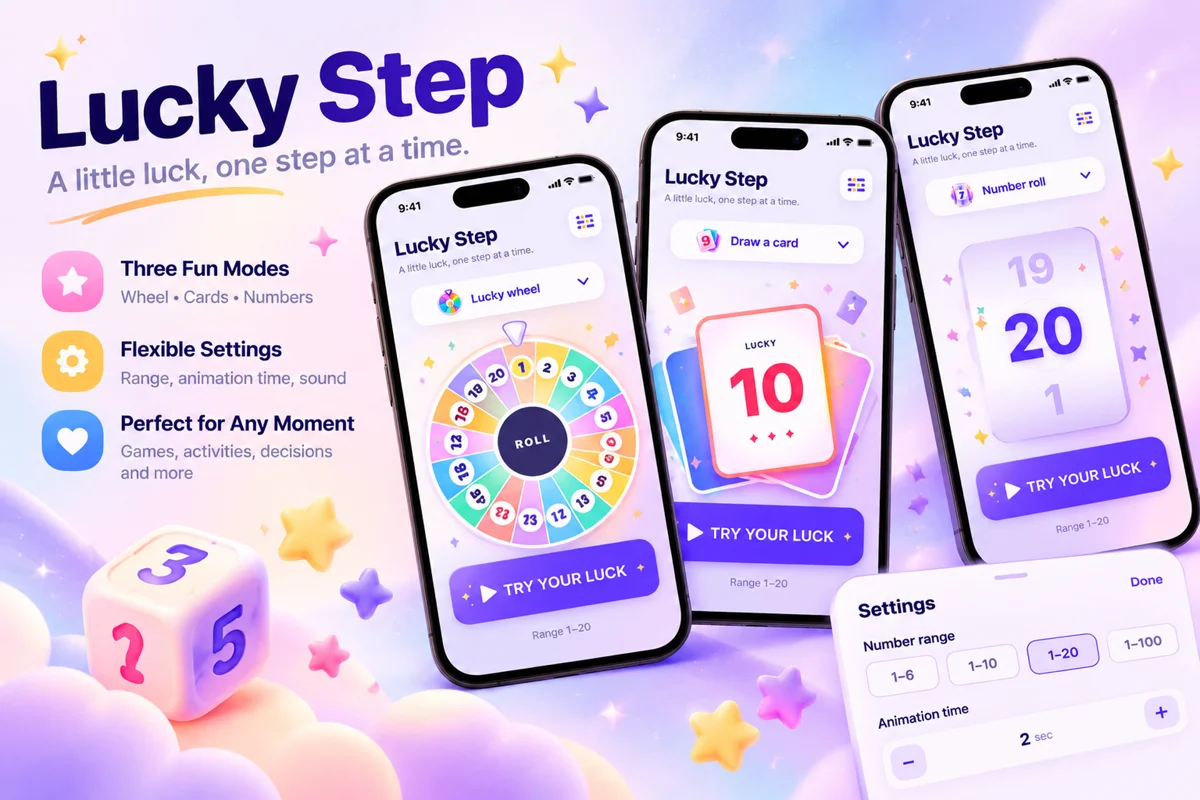
Let Lucky Step pick. Set your number range and reveal the result with rolling numbers, a wheel, or cards. Add a little surprise to every turn.
For iPhone & iPad · No account needed · Works offline
Now on iPad, with portrait and landscape layouts, Split View, and supported window resizing. Put the screen beside the board and reveal the next turn together.
Version 1.1 also refreshes the home layout and reveal-style selector, improves swipe navigation, and adds updated reveal effects across all three modes.

For family board games, parties, or a game of your own, choose an animation and make the reveal part of the fun.
Watch the numbers roll and reveal your next move.
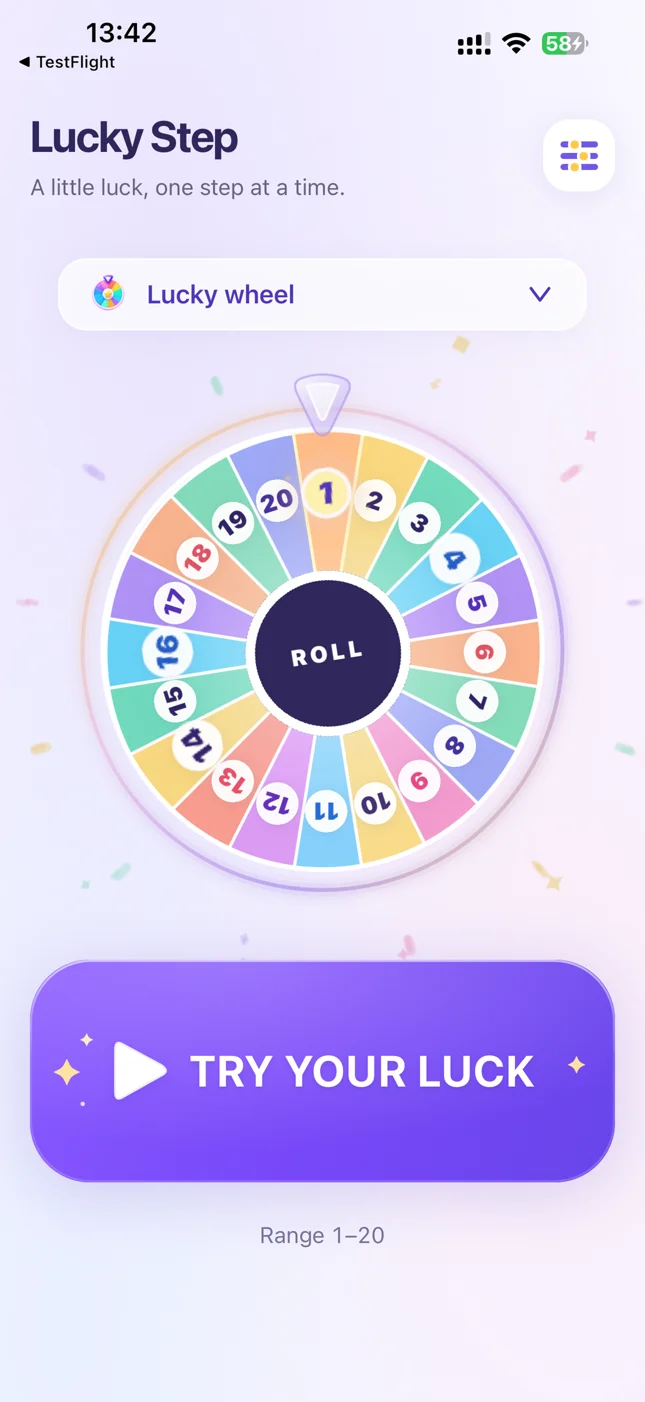
Add anticipation with a colorful wheel. Available for ranges containing up to 20 numbers.
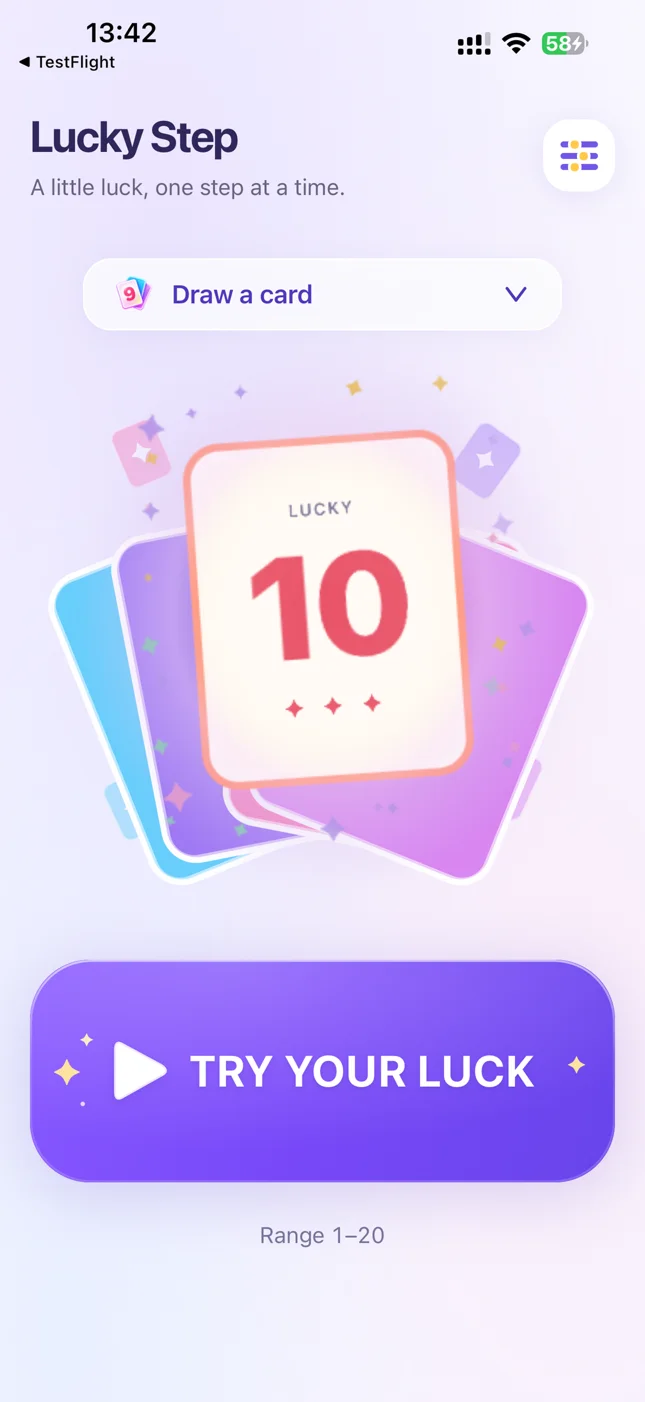
Turn a card and bring a little surprise to the table.
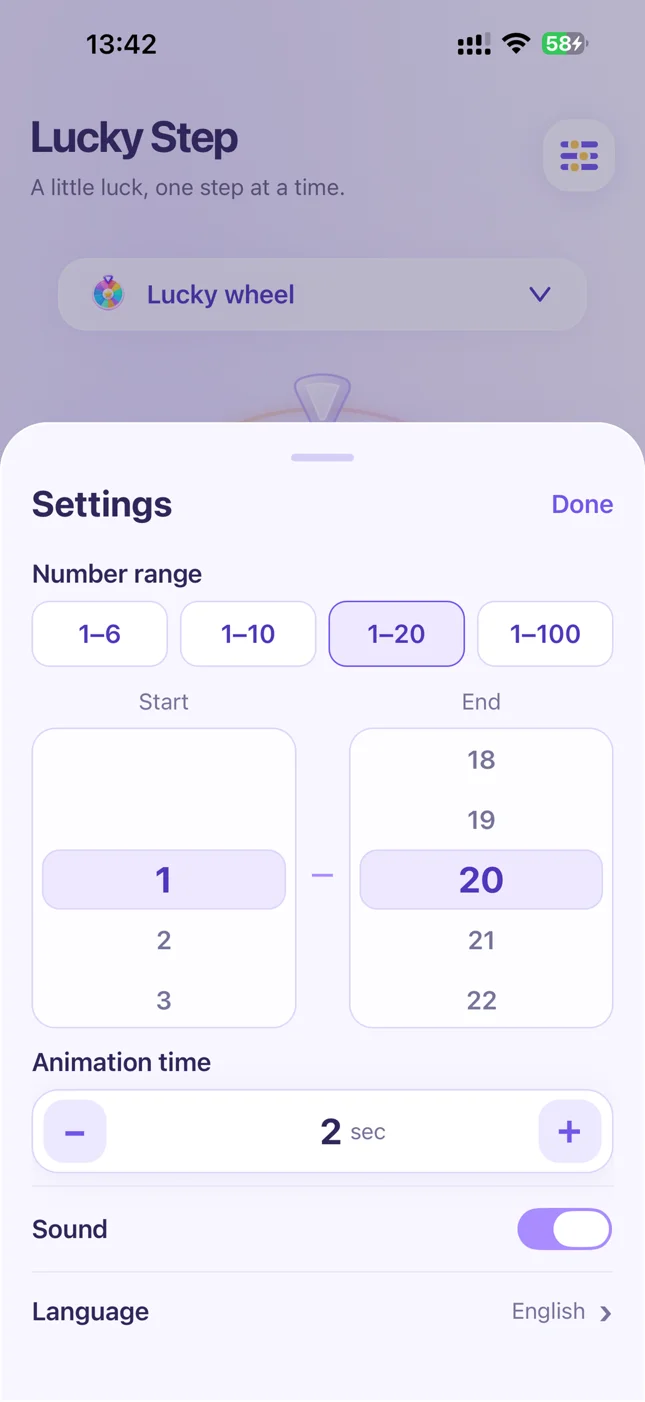
Choose start and end values within 1–100. Move 2–8 spaces each turn? Set the range to 2–8.
Set the animation duration to 1–15 seconds and toggle sound whenever you like.
Use the result according to your game rules, or number your options and let a random number choose.
No account is required. Number generation works offline and preferences stay on your device.
Choose start and end values within 1–100. The default is 1–10, with quick ranges of 1–6, 1–10, 1–20 and 1–100. Each draw returns one integer within the selected range.
The wheel displays up to 20 numbers. For a range containing more numbers, choose rolling numbers or cards.
The app supports Simplified Chinese, Traditional Chinese, English, French, Russian, Spanish, German, Japanese, Korean and Italian. Select a language or follow your device language.
Email maowenbei@gmail.com。For a bug report, include your app version, iPhone or iPad model, OS version and steps to reproduce the issue.
Get Lucky Step 1.1 free. Scan the QR code, or open the App Store directly on your iPhone or iPad.
Open the US App StoreQR code opens the US App Store

Practical random number ideas, dice alternatives, and the story behind Lucky Step.
PLAY GUIDE
From the 1–6 limit of a standard die to slow spinners and unclear pointers, see how Lucky Step gives board games adjustable ranges and clear results.
Read article →GAME NIGHT
Seven practical dice alternatives for family game night: paper slips, cards, spinners, tokens, coins, an offline app, and a shuffled movement deck.
Read article →MAKER STORY
The small board-game idea behind Lucky Step: choosing a movement number, making the reveal playful, and bringing version 1.1 to iPad.
Read article →